robinverton.de
Uses
I really like Uses pages on other peoples websites to see how other people work. This is my current setup (2026).
Terminal
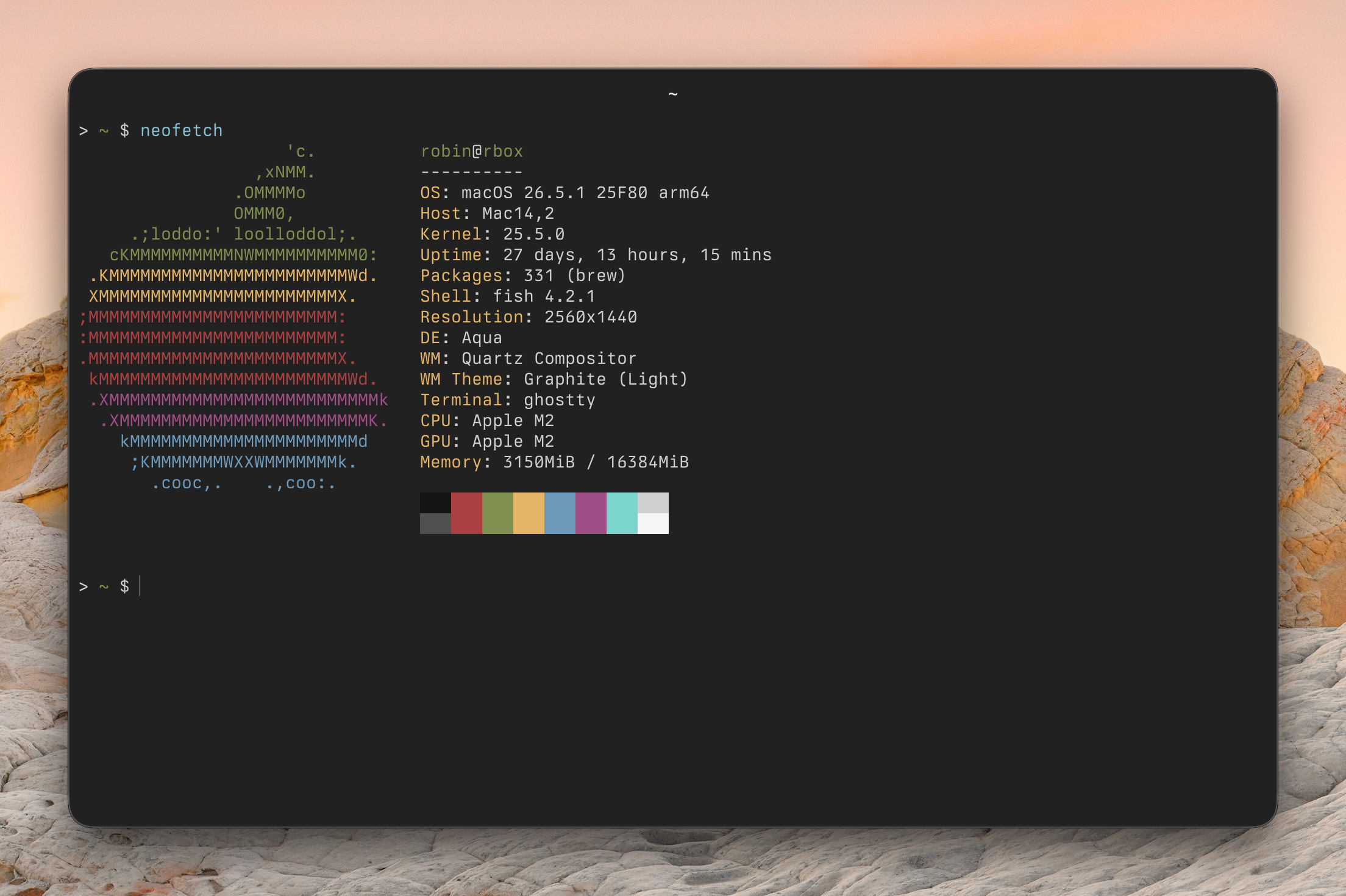
A big part of my work happens in the terminal. I use the ghostty with the font Berkeley Mono. I’m testing fish shell for some time now. I dont have my dotfiles public currently.
IDE
I’m coding almost daily. My preferred editor is neovim. I’m used to vim keybindings for a lot of years now, so I can move pretty fast through code. I focus on a simple but powerful setup, which does not come short of the functionality of other IDEs. Zed is a worthwhile contender, but I have so many custom tweaks and muscle memory which keeps me to neovim for now.
My current configuration is adapted from TJ Devries config.nvim.
macOS
I’m still missing a good window management functionality like I had with i3/sway under linux. Raycast provides at least some better window management functionality. It does however not even come close to i3.
Here are some macOS specific tools which I use daily:
1. Raycast
Wonderful new addition in my daily workflow and (I guess) most used macOS apps nowadays. I’m using the AI integration a lot for simple questions or for looking up simple things in (tech) documentations. There are so many nice little helpers included, it’s immensely useful to me.
Installed extensions: Color Picker, Github, Port Manager, QR Code Generator, Spotify Controls, Tailwind CSS.
2. Shottr
3. TablePlus
Native database explorer with support for a lot of different databases and which can connect directly over SSH.
4. 1Password
Hardware
- MacBook Air M2, 16 GB
- Studio Display
- Logitech MX Master 3S (mouse)
- Kinesis Advantage 360 (split keyboard)
- RØDE NT-USB Mini (mic)